Using the soft token app
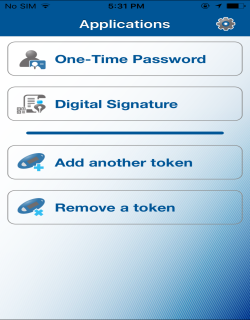
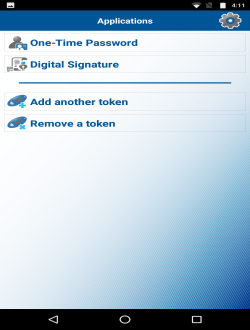
The soft token app offers you the following features and functions:
| iOS | Android |
|---|---|
|
|
One-Time Password
Enables you to sign in and initiate transactions in Business Online.
Note:
If the Change password or Manage fingerprint protection feature is enabled in the Settings menu of your application, you need to provide the local password or fingerprint before the device generates a one-time password.
Digital Signature
Enables you to scan the image that Business Online displays when you perform a transaction.
Add Another Token
Enables you to add another soft token on your device, if you are associated with different financial institutions. To add a soft token ,follow steps 6 through 15 of Activate the soft token app during the signin process and steps 3 through 12 of Activate the soft token app from the Profile page.
Note:
If a soft token serial number already exists, the device prompts for confirmation of whether you want to overwrite the existing soft token.
Remove a Token
Enables you to remove a token from the application.
See also:
